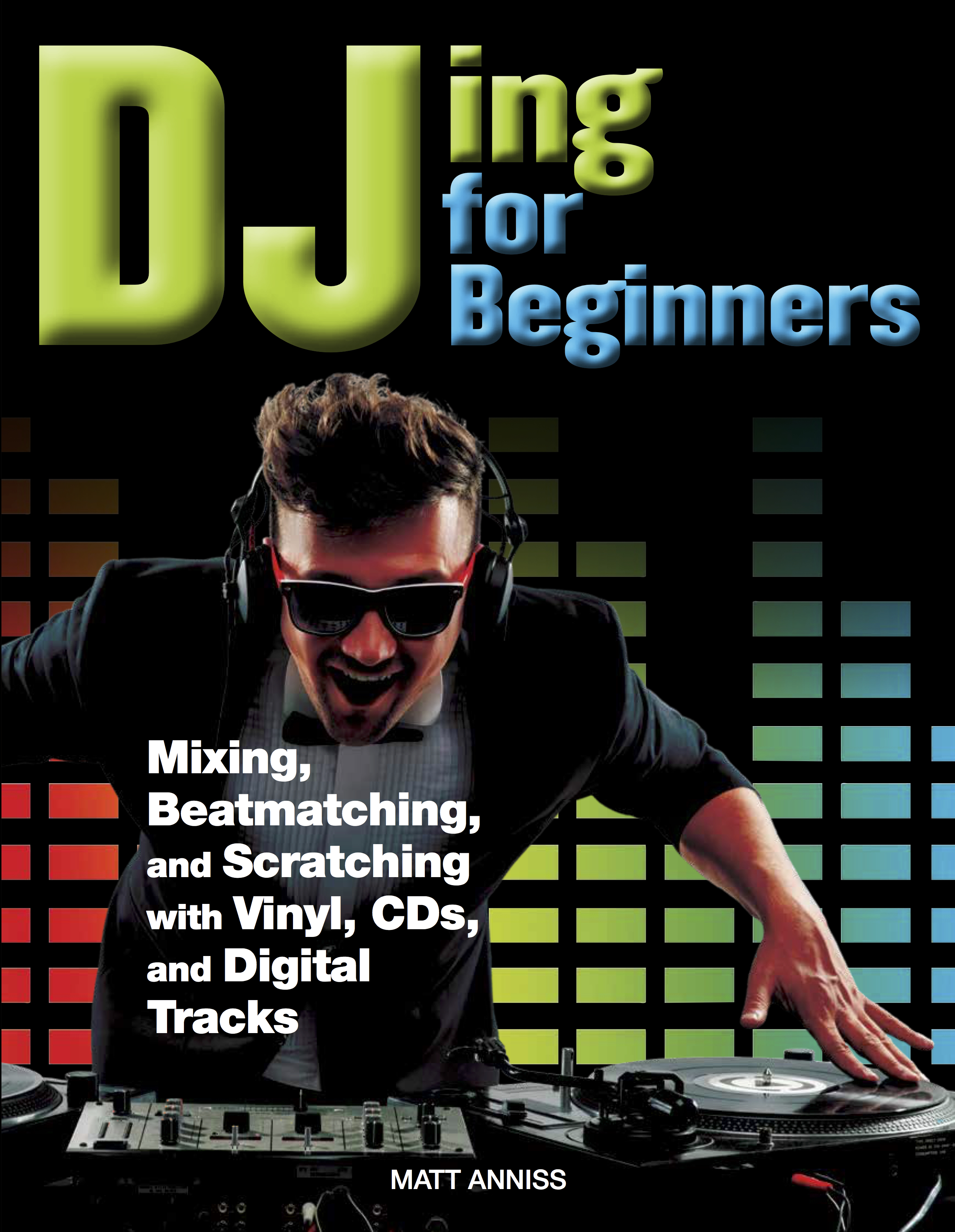
MATT ANNISS
This digital edition first published in 2016
Published by Amber Books Ltd United House North RoadLondon N7 9DP United Kingdom
Website: www.amberbooks.co.uk Instagram: amberbooksltd Facebook: amberbooks Twitter: @amberbooks
Copyright © 2016 Amber Books Ltd
ISBN: 978-1-78274-399-6
All rights reserved. With the exception of quoting brief passages for the purpose of review no part of this publication may be reproduced without prior written permission from the publisher. The information in this book is true and complete to the best of our knowledge. All recommendations are made without any guarantee on the part of the author or publisher, who also disclaim any liability incurred in connection with the use of this data or specific details.
www.amberbooks.co.uk
CONTENTS
Introduction6
Chapter 1: DJ Basics 8
Chapter 2: Equipment Explained 22
Chapter 3: Mixing Basics 36
Chapter 4: Advanced Mixing Techniques 56
Chapter 5: Computer DJing 70
Chapter 6: Finding Your Style 86
Chapter 7: From Playing at Home to Playing Out 106
Chapter 8: The Future 124
Glossary142
Index143
INTRODUCTION
This book is designed to help you get started as a DJ. We’ll help you to select appropriate equipment, learn tricky techniques and offer advice on how to use these skills to entertain crowds of people. By following our advice, you’ll be well on your way to mastering the art of DJing.
PIONEERS OF THE GROOVE
Ever since the release of the Technics SL-1200 vinyl turntable in 1972, DJing has been driven by technological advancements. That deck was revolutionary, because it featured a pitch control fader, so that DJs could speed up or slow down the records they were playing. Pioneering DJs soon worked out that they could use two Technics turntables, alongside a specially made DJ mixer, to create seamless musical blends where the beats never stopped. This became known as beat matching, and remains the foundation of DJing to this day. Early hip-hop DJs also used the same Technics turntables to create new tricks and techniques that they called ‘scratches’. In this book, we’ll take you through the basics of both beat matching and scratching.
Frankie Knuckles
Some DJs play a vital role in developing new styles of dance music. ‘The Godfather of House’, Frankie Knuckles, did this in the mid-1980s. The ‘house’ sound he championed is now the main form of dance music.
Technics SL-1200
The iconic Technics turntable was initially designed and put on sale as a home record player. Instead, it was adopted by DJs, who liked its sturdy build and pitch control fader – a unique feature at the time.
Anyone who has ever devoted time to DJing will happily tell you how addictive it is. There is something particularly rewarding about blending songs together to create a unique musical performance. Most musicians have to make do with a limited number of notes, chords and melodies, but DJs have a potential library of millions of tracks to choose from. These can be combined in an almost limitless number of ways, meaning that no two DJ sets need ever be the same. Because of this, DJing offers music lovers true artistic freedom.
This has been emphasized in recent years by advancements in DJ technology. Now, there are a huge number of different options for would-be DJs, from the tried-and-tested methods of old – namely, using turntables and vinyl records – to cutting-edge computer software solutions that include extra functions to spice up your sets.
6
Sasha at the Hacienda, 1989
During the 1990s, British DJ Sasha became one of the first superstar DJs, as in demand in Australia and the United States as in the UK and Belgium.
Steve Aoki
Steve Aoki is one of a new breed of superstar DJs who play digital music files using their laptop and a digital vinyl system. This has helped make Aoki one of the world’s richest DJs. According to Forbes magazine, he earned $24 million in 2014 alone.
EVEN MORE OPTIONS
Today, fewer DJs use vinyl turntables. Instead, some DJs choose to use CD turntables, many of which are also capable of playing MP3 files stored on portable USB drives. Others prefer using laptop computers loaded up with DJ software, sometimes with the aid of a special piece of equipment known as a DJ controller. In this book, we’ll explain how to perform key DJing techniques using all of these methods.
There’s more to DJing than simply technical skills, though, so we’ll cover other important topics such as how to build and organize a music collection; how to DJ in front of a crowd of people; and how to build and develop your DJing career. We’ll even outline further steps you can take to personalize your DJ sets, such as creating unique versions of songs or producing your own from scratch.
Pioneer CDJ-1000
Launched in the early 2000s, the Pioneer CDJ-1000 was as revolutionary as the Technics 1200. By emulating the feel and control of vinyl DJing, it made DJing with CDs appealing to a wide range of DJs.
7
CHAPTER 1:
DJ BASICS
Before getting into the nuts and bolts of DJing technique, you’ll need to get set up with some equipment to practise on. To help you decide what to buy, this chapter focuses on the pros and cons of different methods of DJing, outlining the gear to get… and what to avoid.
LEFT: Today, many DJs choose to use next-generation CD turntables, which are often also capable of playing music files stored on portable USB devices.
WHAT YOU NEED
Some of these items, such as a DJ mixer, headphones, and an amp and speakers, are essential. Whether you need vinyl turntables, CD turntables or a laptop with a digital vinyl system/ DJ controller will depend on the DJing method you choose. We’ll explain these options over the next few pages.
VINYL TURNTABLES
(PP. 14–15)
CD/USB TURNTABLES
(PP. 16–17)
10
DIGITAL DJ CONTROLLER
(PP. 28–29)
LAPTOP & DIGITAL VINYL SYSTEM
(PP. 18–19)
HI-FI AMPLIFIER & SPEAKERS
(PP. 32–33)
11
CHOOSING YOUR METHOD
Before you can learn to DJ, you need to pick your method. While some DJs use a combination of equipment – for example, playing off both vinyl and CD turntables – it’s easiest to pick one set- up and focus on that. Here are the four most popular DJ set-ups.
DJING WITH VINYL RECORDS
This is the method most commonly associated with DJing, and the one on which most of today’s tried-and-tested DJ techniques were developed. It has been around since the 1970s, and requires connecting two DJ-friendly vinyl turntables (specifically those with speed, or ‘pitch’, controls) to a DJ mixer. Many established DJs prefer the sound and feel of vinyl DJing, but building up a collection of vinyl records can be an expensive pastime.
DJING WITH CDS AND PORTABLE USB DRIVES
CD turntables, commonly referred to as ‘CDJs’ thanks to Pioneer’s industry-standard range of professional players, have been around since the 1990s. Today’s CD turntables are far more technically advanced, with functions that help emulate the feel of vinyl turntables, and tools to help DJs unleash their creativity. Some CD turntables are also able to play MP3 files. Like vinyl turntables, CD turntables must be connected to a DJ mixer.
Vinyl (above)
Many thought vinyl DJing would die out following the MP3 revolution, but it remains popular with DJs of all ages.
CDJs (below)
This set-up would be expensive if you bought it all new, but you can get used equipment for a fraction of the price.
12
DJING WITH DIGITAL VINYL CONTROL SYSTEMS
Digital vinyl systems (DVS) combine traditional DJ hardware with 21st-century computer technology. At the heart of the DVS is a software package that runs on a laptop computer. With the aid of a special audio interface, DJs can control MP3 files stored on their laptop, using regular vinyl or CD turntables. Although DVS software includes many additional creative tools, tracks are mixed using traditional equipment and techniques.
Digital Vinyl Systems (left and below)
DVS hardware is great for those who want to combine the feel of traditional vinyl DJing with the potential of digital DJing. However, it can be expensive for beginners, as you need to buy a lot of equipment.
DJ Controller (below)
There are many models of DJ controllers so, before you invest in one, spend some time online comparing features and prices.
DJING WITH A DJ CONTROLLER
A DJ controller is a special piece of hardware designed for use with DJing software, such as Virtual DJ, Serato DJ or Traktor Pro. It contains buttons, knobs and faders to control many different aspects of the software. Tracks stored on the computer are mixed using the controller, which often looks like a redesigned version of a traditional DJ mixer. For beginners on a budget who already own a laptop, DJ controllers can be a great option.
13
DJING WITH VINYL
Once upon a time, all DJs plied their trade with a stack of vinyl records, two turntables and a mixer. While plenty still prefer this method, choosing vinyl isn’t necessarily the best choice for beginners in the 21st century.
If you choose to DJ with vinyl, you’re really choosing to join the culture of record collecting and ‘crate digging’ – a popular term to describe hunting for vinyl – that surrounds it. If you commit to learning to DJ with an all-vinyl set-up, you’re also committing to devoting time and money to building up a record collection.
WAX MANIA
That’s not to say that acquiring records has to be an expensive pastime. So many records were manufactured and sold during the format’s heyday that you can find plenty of older albums and singles quite cheaply on the second- hand market. Search online, and you’ll also find plenty of sellers offering bundles of records, often in dancefloor- friendly styles of music, to help bulk out beginners’ collections. If you opt for a vinyl set-up and don’t already own records, this is worth considering; you’ll need records to practise mixing with, after all.
Second-hand Wax
Because vinyl records have been a popular music format for more than half a century, you can find previously owned copies of older releases in all sorts of places. Charity shops, record fairs and second-hand stores are great places to find vinyl at rock-bottom prices.
Mix and Match
A vinyl DJ’s set-up is not complete without a mixer and a good-quality pair of DJ-friendly headphones. When looking for a mixer, don’t get dazzled by flashing lights and extra features – good sound and build quality are more important.
Changing Times
At one time, you would find Technics turntables in every venue that employs DJs. Although vinyl DJing remains popular, some clubs have ditched vinyl decks in favour of CD turntables.
Stanton T.62
If you can’t stretch to a second-hand pair of Technics, manufacturers such as Stanton offer decent alternatives that can be bought new for the same price, or less.
TURNTABLES
The beating heart of any vinyl DJ’s set-up is a pair of turntables. Ask a DJ to name their favourite turntable, and 99 times out of 100 they will mention the Technics SL- 1210 or the older SL-1200. More than 3.5 million of these famously reliable decks were built between 1972 and 2010, and they remain in use at many clubs. In January 2016, a special edition 50th anniversary version of the SL-1200 went into production, with a price tag of several thousand
pounds. Happily, you can easily find second-hand
original models for £400–600 ($600–900) per pair.
Other models of DJ-friendly turntables are
available, at a variety of prices. Whether
you buy brand new or second-hand
turntables, look for direct drive
models. These are a little
more expensive than
the belt drive ones
often marketed
at beginners,
but they are far
easier to mix with
and much less
likely to break. If
you want to learn
to scratch, you’ll
need a direct drive deck.
15
DJING WITH CDS
These days, far more DJs use CD turntables than vinyl decks. This is due to their ease of use, the reliability of modern CD decks, the ability to also play MP3 files, and the fact that the equipment is now found in almost all clubs.
INDUSTRY STANDARD
Since the launch of the Pioneer CDJ-1000 in 2001, tabletop DJ CD players have dominated the market. These feature a large jog wheel, designed to mimic the feel of
DJing on vinyl turntables. Today, even budget CDturntables include a jog wheel as part of their controlsystem, although how they feel and operate differs.You can learn to mix CDs with any tabletop player,although you are still likely to encounter Pioneer modelsif you play in clubs.
Numark NDX200
Budget CD turntables, such asthis Numark model, don’t featureas many functions as expensivePioneer CDJs, but the basic controlsare very similar.
Pioneer CDJ-900 Nexus
This is the CDJ-2000’s little brother. It features fewer functions and costs significantly less, but still boasts almost everything you’ll need to create exciting, interesting mixes.
All of these are good reasons to choose CD turntables, but there are downsides, too. The CD decks found in venues are usually high-end professional models, such as Pioneer’s industry-standard CDJ-2000. Brand new, these cost nearly £1,500 ($2,300) each, putting them beyond the reach of most beginners. There are, thankfully, plenty of cheaper options available from a wide variety of manufacturers, though functions, build quality and control systems vary significantly.
16
GOING DIGITAL
Other features to look out for when selecting CD decks include the ability to play digital audio files (MP3, WAV) off a data CD, and a USB port to plug in a portable hard drive. In some ways, today’s CDJs are as much digital music players as CD turntables.
PREVIOUSLY OWNED MODELS
When making a decision on which CD turntables to buy, it’s worth considering second-hand models. If buying a pair of brand new CDJ-2000s or CDJ-900s is beyond your budget, you might be able to find a pair of older CDJ- 1000s or CDJ-800s for a much more reasonable price. These might not include MP3 or USB capability, but they will allow you to mix CDs while getting used to the control system and key functions.
USB Stick
It is possible to buy portable USB sticks with very high storage capacity. You can store hundreds or even thousands of MP3 music files on one tiny, pocket- sized device.
Pioneer CDJ-2000
This is becoming an increasingly common sight in clubs. The fact that two players can be connected by an Ethernet cable to play MP3 files off a single USB stick is one of its most popular features.
Burn Your Own CDs
Many DJs choose to burn their own CD-Rs of songs they’ve bought and downloaded from the Internet. It’s these discs that fill up their bulging CD wallets and provide musical ammunition at gigs.
DJ TIP: Learning to mix on CD turntables is hugely worthwhile. Many DJ controllers and MP3 turntables are modelled on CD turntables, with similar features and control functions. Once you have mastered CD mixing, you will be able to use a wide range of equipment.
DJING WITH COMPUTER SOFTWARE
If you are on a budget and own a laptop computer, opting for DJ software could be the way forwards. You can mix using your free or inexpensive MP3 files, and the software offers more creative options than standard DJ equipment. Crucially, there are also lots of different programs to choose from.
Many DJ software packages offer the option to mix tracks using the laptop’s trackpad and keyboard, but most DJs prefer a more hands-on system. For this reason, many manufacturers have developed dedicated DJ controller hardware. These vary in design and price, but contain everything you will need to mix songs together, and get the best out of the software. Not as many club DJs opt for a laptop-and-controller set-up – not least
Stand Up
Many DVS DJs (see p19) invest in a foldable laptop stand. It is a wise purchase, as it will allow you to set up your laptop in any DJ booth, regardless of size. You’d be surprised how small many club DJ booths are!
Ready To Go (above)
Most DJ controllers come bundled with DJ software, vastly reducing the amount of money you need to spend. As long as you already have a laptop computer, controllers are a great all-in-one option for beginners.
18
PC OR MAC?
DJing software is available for both Apple Macs and Windows PCs, so you can probably use your existing laptop, if you have one. If you’re buying a laptop, look for one with USB ports, a large hard drive (for storing music), and good processing power. More processing memory means the DJ software will run more smoothly.
because it’s a lot of equipment to carry around – but it is certainly becoming increasingly popular.
DIGITAL VINYL SYSTEMS
Another popular method of DJing with computer software is to use a digital vinyl system, such as Serato DJ or Traktor Pro. These systems act as an interface between your computer and existing DJ technology, namely vinyl or CD turntables (bottom left). They allow DJs to mix songs stored on their computer, using equipment commonly found in clubs. A DVS offers the best of both worlds, although the cost is often prohibitive for beginners who don’t already own any DJ equipment. We’ll explain more about using DVS, DJ software and controllers later in the book.
Rane SL2
It’s easy to pick up Rane Serato DVS equipment second-hand, for cheaper prices. If you’re going to do this, opt for SL2, SL3 or SL4 models; the older SL1 boxes don’t work with Serato DJ, the manufacturer’s latest software.
19
DJ HEROES
PAUL
OAKENFOLD
1963–
RECOMMENDED LISTENING:
Resident: Two Years of Oakenfold at Cream (DJ mix, 1999)
Perfecto Presents: The Club (DJ mix, 2005)
Paul Oakenfold was arguably the world’s first superstar DJ. Long before the likes of Skrillex, Calvin Harris and David Guetta became household







![Tintenherz [Tintenwelt-Reihe, Band 1 (Ungekürzt)] - Cornelia Funke - Hörbuch](https://legimifiles.blob.core.windows.net/images/2830629ec0fd3fd8c1f122134ba4a884/w200_u90.jpg)